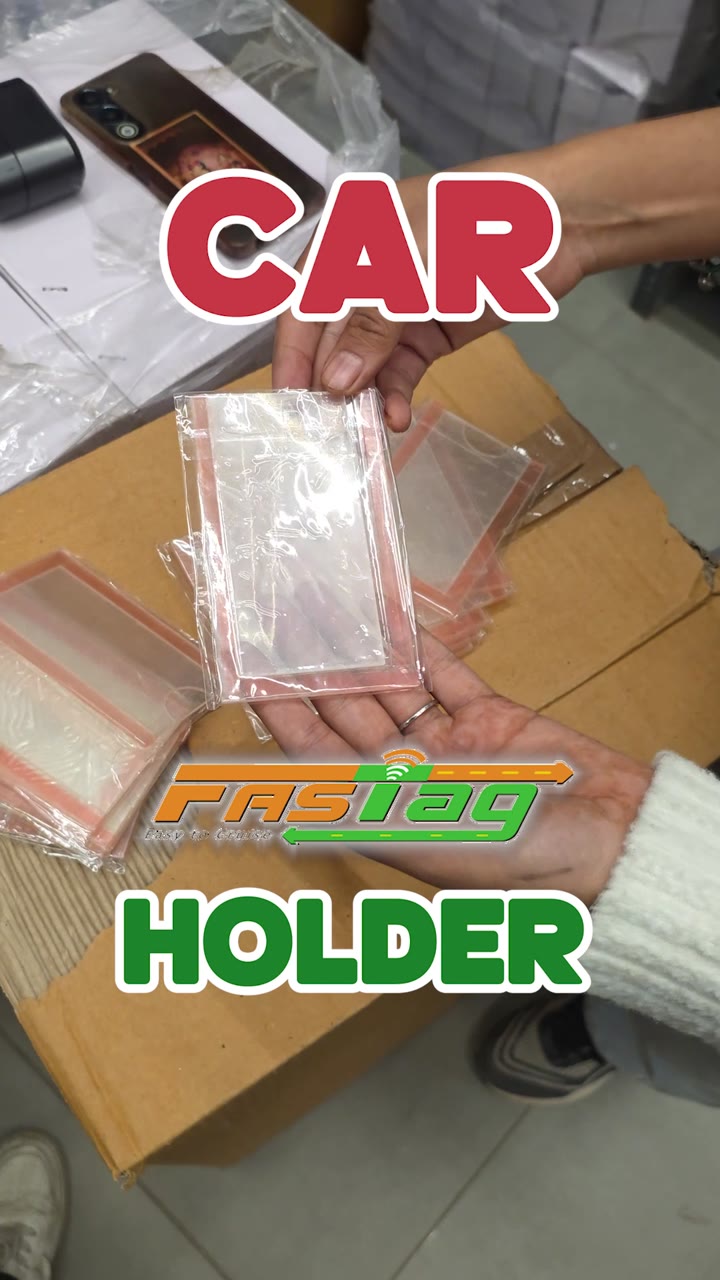
Video · 0:38 ·
JIKRA Q08 Mini Gimbal: Handheld vs Gimbal Test and How to Switch It On
A 37-second video of the JIKRA Q08 mini gimbal, a 1-axis phone gimbal that also works as a selfie stick and a tripod. It opens with the same walk filmed twice, once with the phone held in hand and once on the Q08, side by side so you can compare the shake.
It then shows the gimbal with its box, the Bluetooth remote for taking photos and starting videos from a distance, and how to switch it on: press and hold the button on the control panel.
A 1-axis gimbal corrects side-to-side tilt (roll); it does not smooth every bump the way a 3-axis gimbal can. The guides below explain the difference, how to use a phone gimbal and what gimbals cost in India.
The voiceover is in Hindi. The transcript and an English translation are below.
Product in this video
Q08 Mini Gimbal Anti-Shake Stabilizer – 1-Axis Handheld Smartphone Gimbal with Extendable Selfie Stick, Built-in Tripod & Portable Phone Holder for Smooth Videos and Vlogging ₹1,399.00In this video
Transcript
एक वीडियो मैंने शूट करी है अपने हाथों से, और एक वीडियो मैंने शूट करी है इस गिम्बल से। ये है JIKRA का Q08 गिम्बल, जो कि आता है स्टेबलाइज़ेशन सिस्टम के साथ। इससे आपकी वीडियोज़ में जो शेकीनेस होती है, वो almost ख़त्म हो जाएगी। और इसके साथ आपको एक Bluetooth रिमोट मिलता है, जिससे आप इसको कहीं पे भी लगा के अपनी वीडियोज़ और फ़ोटोज़ कैप्चर कर सकते हो।
इसको यूज़ करना भी बहुत ईज़ी है: यहाँ पे आपको एक बटन दिखेगा, अगर आप इसको प्रेस करके रखोगे तो ये ऑन हो जाएगा, और फिर उसके बाद आपको अपना कंटेंट क्रिएशन स्टार्ट कर देना है। तो अगर आप व्लॉगर हो या कंटेंट क्रिएशन करते हो, तो मैं लिख के देता हूँ, इससे बेहतर गिम्बल आपको इस रेंज में कहीं नहीं मिलेगा।
In English: I shot one video holding the phone in my hands and one with this gimbal. This is JIKRA's Q08 gimbal, which comes with a stabilisation system. It almost removes the shakiness in your videos. You also get a Bluetooth remote, so you can set it up anywhere and capture your videos and photos. It is very easy to use too: you will see a button here; press and hold it and the gimbal turns on, and then you just start creating. So if you are a vlogger or you make content, I can tell you for sure: you won't find a better gimbal in this price range.
Guides with this video
- Q08 Mini Gimbal Stabilizer for Smartphones with Wireless Remote and Extendable Tripod
- Mobile Vlogging Kit for Beginners: What to Buy First
- How to Stabilize Phone Video: OIS, EIS, Settings and Gimbal
- Mobile Gimbal Price in India: What ₹1,000 to ₹8,000 Buys
- How to Use a Mobile Gimbal: Setup, Remote and Tripod Mode
- What Is a Gimbal? Meaning, Types and Uses for Phone Video
- Handheld vs Gimbal: Is a 1-Axis Mobile Gimbal Worth It?