Mobile Vlogging Kit for Beginners: What to Buy First
The four parts of a phone vlogging kit (hold, steady, light, sound), what to buy first for the videos you make, and three starter kits from ₹699 to about ₹2,100.
In this guide
Video · 0:38
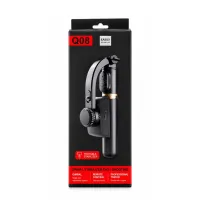
JIKRA Q08 Mini Gimbal: Handheld vs Gimbal Test and How to Switch It On
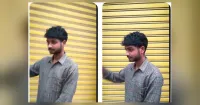
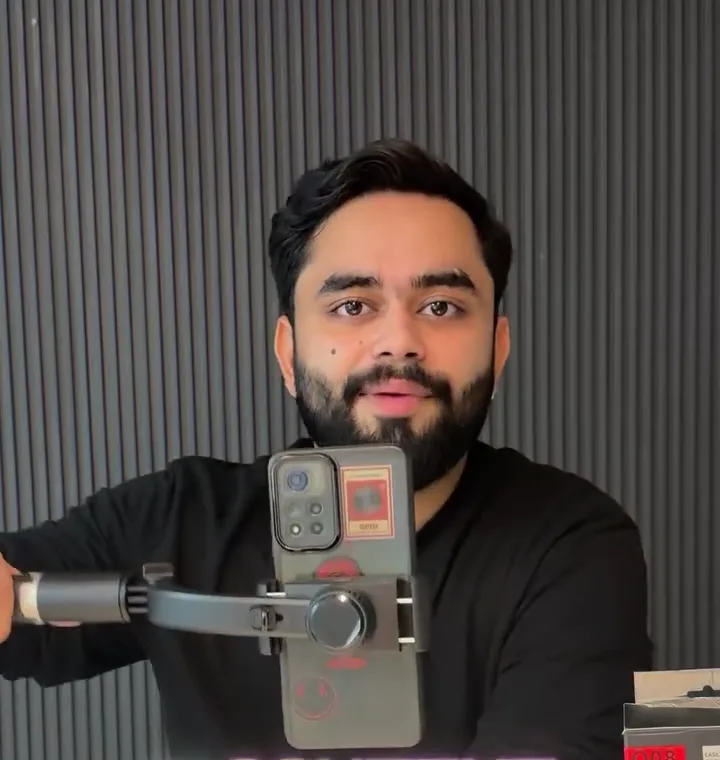
A 37-second video of the JIKRA Q08 mini gimbal, a 1-axis phone gimbal that also works as a selfie stick and a tripod. It opens with the same walk filmed twice, once with the phone held in hand and once on the Q08, side by side so you can compare the shake.
- 0:00 Handheld vs gimbal: the same walk side by side
- 0:05 The JIKRA Q08 gimbal and its stabilisation
- 0:12 Bluetooth remote for photos and videos
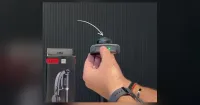
- 0:18 How to switch it on: press and hold the button
- 0:27 Who it is for
- 0:35 Price and where to order
By the Jikra team. JIKRA sells the gimbal, tripods, mounts and ring lights linked in this guide. We don't sell microphones, so for sound we say what kind to look for. AI helped us draft this guide; product facts come from each product's listing, and prices are from 17 November 2026.
Quick answer: your phone is the camera. A beginner vlogging kit adds four things: something to hold the phone (a selfie stick tripod or stand), something to keep it steady while you move (a gimbal), light for indoor shots (a ring light) and clear sound (a clip-on mic). Buy for the kind of video you make, not everything at once: a home creator needs light and a stand first, a walk-and-talk vlogger needs a gimbal and a mic first.
The four parts of a vlogging kit for phone
| Job | What does it | You need it if… | At Jikra |
|---|---|---|---|
| Hold | Tripod, stand or selfie stick tripod | You film yourself from one spot or want group shots | SR-1S ₹258, R1-L ₹388, 7 ft stand ₹499 |
| Steady | Gimbal | You film while walking or holding the phone | Q08 mini gimbal ₹1,399 |
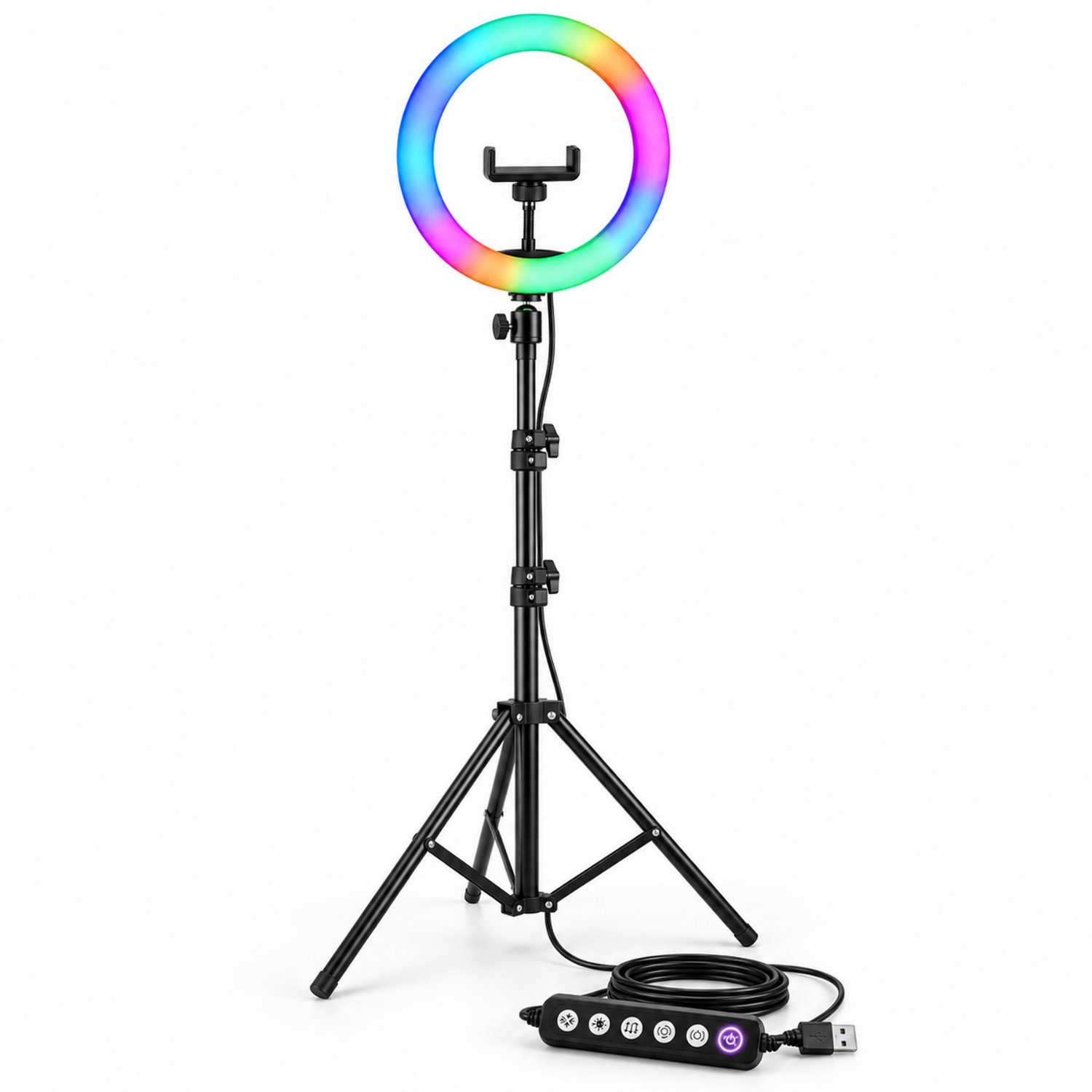
| Light | Ring light or window light | You film indoors or in the evening | 10" ring light with 7 ft stand ₹699 |
| Sound | Clip-on (lavalier) mic | You talk to the camera, especially outdoors | Not sold by us |
What to buy first, by the videos you make
Talking at home: a tripod for vlogging and a light
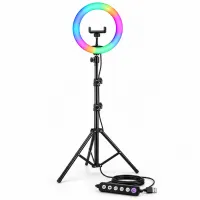
You stay in one spot, so a gimbal adds nothing. Buy a stand and light first. The 10-inch ring light with 7 ft stand does both: a stand up to 7 feet, a phone holder for phones about 5.7 to 8 cm wide, and warm, cool and RGB light. For top-down cooking and unboxing, see how to set up a phone tripod for overhead recording.
Walk-and-talk, travel and city vlogs
Here the phone is in your hand, and the problem is a tilting, wobbling picture. Buy a gimbal first. A 1-axis gimbal such as the Q08 keeps the picture level, and its stick, tripod legs and remote cover selfies and table shots as well. Then add a clip-on mic, because street noise and wind drown out a phone's built-in mic.
Selfies, group photos and travel pictures
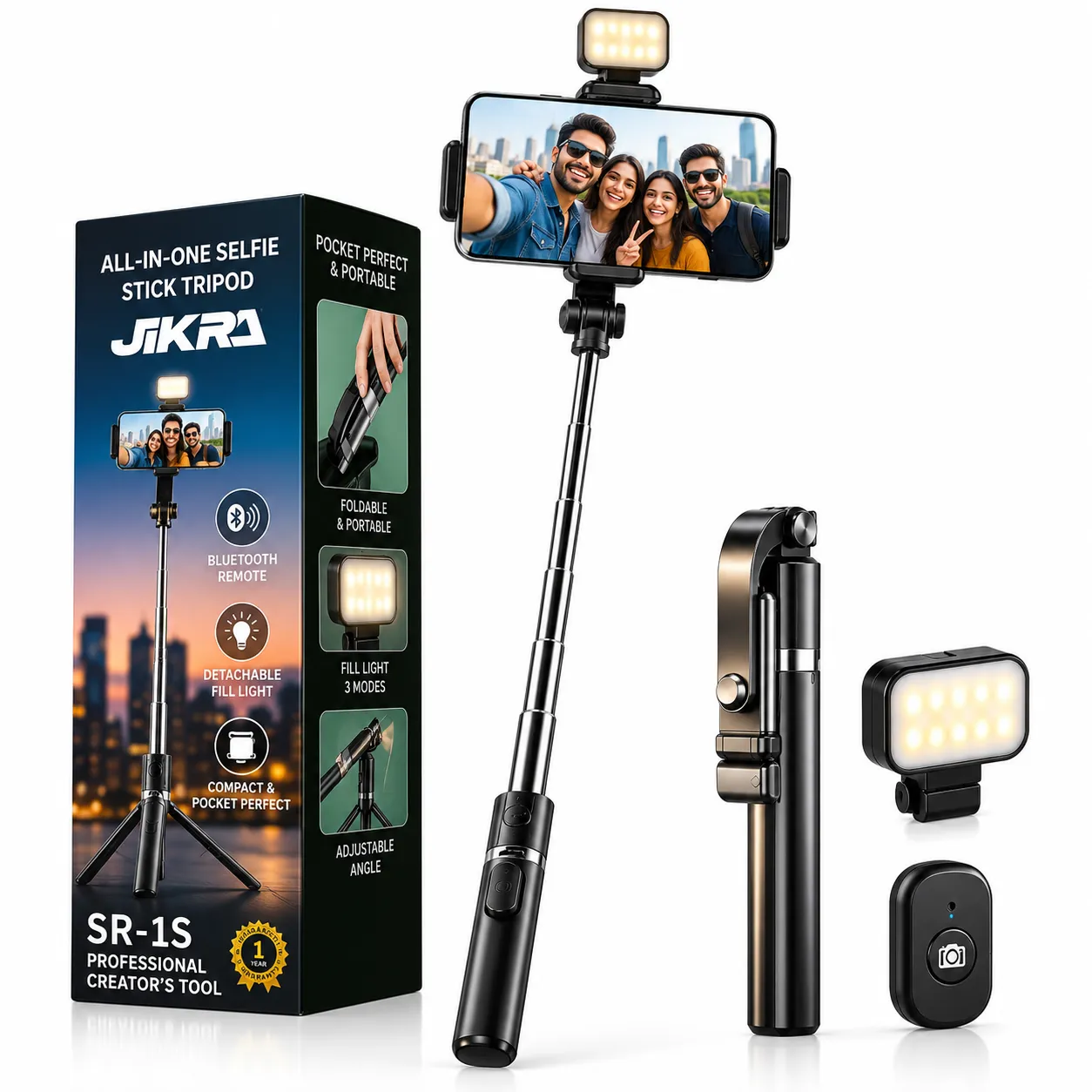
A selfie stick tripod with a Bluetooth remote is enough. The SR-1S extends to about 67 cm, fits phones about 6.5 to 9.5 cm wide and has a detachable fill light. For full-body shots, the R1-L extends to about 1.7 m on a metal base.
Hands-free point of view: cooking, DIY, walks
A chest mount holds the phone on a strap at chest height, so both hands are free and the camera sees what you see. Keep your movements smooth; the phone moves with your body.
Three starter kits
| Kit | What's in it | Price at Jikra | Add yourself |
|---|---|---|---|
| Home creator | 10" ring light with 7 ft stand and phone holder | ₹699 | A clip-on mic for voice-overs |
| On the move | Q08 1-axis gimbal with stick, tripod legs and remote | ₹1,399 | A clip-on mic, ideally with a windscreen |
| All-rounder | Q08 gimbal + 10" ring light with 7 ft stand | ₹2,098 | A clip-on mic |
Prices at the time of writing, 17 November 2026; check the product pages for today's price.
Sound: the upgrade beginners skip
Viewers forgive slightly soft video far more than voice they can't hear. A phone's built-in mic sits at arm's length, faces away from you on the rear camera, and picks up room echo, traffic and wind.
- Wired clip-on mic: the cheapest fix. Check that the plug matches your phone (USB-C, Lightning or a 3.5 mm jack).
- Wireless clip-on mic: no cable to trip over while walking; costs more and needs charging.
- Outdoors: use the foam or furry windscreen that comes with most clip-on mics.
- Indoors: rooms with curtains, a sofa and a rug echo less than an empty room with bare walls.
Light: free first, then a ring light
- Face a window, never stand with your back to it, or your face goes dark.
- In the evening, put a ring light at eye level, slightly in front of you. Our guide how to use a ring light with your phone covers height and angle, and ring light settings for reels and makeup covers warm, cool and RGB.
Phone settings for your first vlog
- 1080p at 30 or 60 fps is plenty for reels and YouTube, and keeps files small.
- Turn video stabilisation on in the camera settings. More in how to stabilize phone video.
- Use the rear camera when the shot matters; it is usually sharper than the front one. Use the front camera when you need to see yourself.
- Vertical (9:16) for reels and shorts, horizontal (16:9) for regular YouTube videos. The Q08's clamp turns for both.
- Wipe the lens before every shoot; a fingerprint makes everything look hazy.
Common beginner mistakes
- Buying a 3-axis gimbal for a desk channel, where a stand and light would do more.
- Spending on a camera before sorting sound and light.
- Zooming in while walking, which magnifies every shake.
- Filming with a bright window behind you.
- Holding the phone at arm's length for long walk-and-talk shots, instead of close to the body on a gimbal.
Frequently asked questions
Can I start vlogging with just a phone?
Yes. Recent phones shoot good enough video for reels and YouTube. Accessories fix the phone's weak points: shake, low light and sound.
Is a gimbal for vlogging necessary?
Only if you film while moving. For videos from one spot, a tripod or ring light stand is cheaper and steadier.
What is the best phone holder for vlogging?
For walking shots, a gimbal handle; for selfies and groups, a selfie stick tripod with a remote; for home videos, a tall tripod or ring light stand.
Mic or light: which should I buy first?
Outdoors and walking: mic first. Indoors in the evening: light first. In both cases a stable phone comes before either.
More guides
Products in this guide
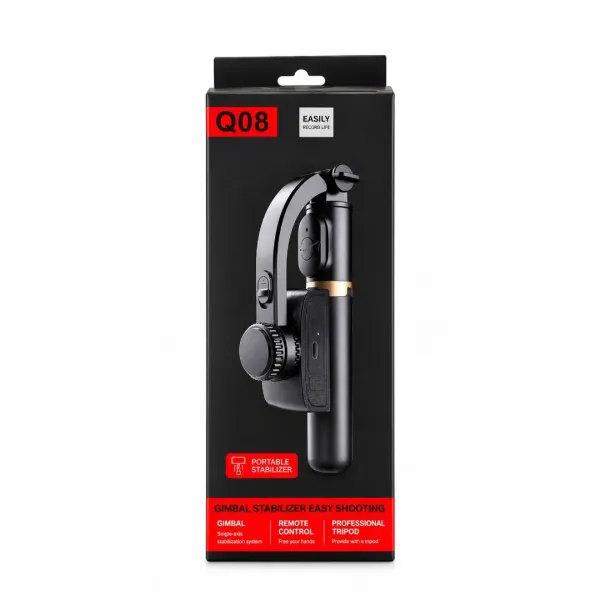
Q08 Mini Gimbal Anti-Shake Stabilizer – 1-Axis Handheld Smartphone Gimbal with Extendable Selfie Stick, Built-in Tripod & Portable Phone Holder for Smooth Videos and Vlogging
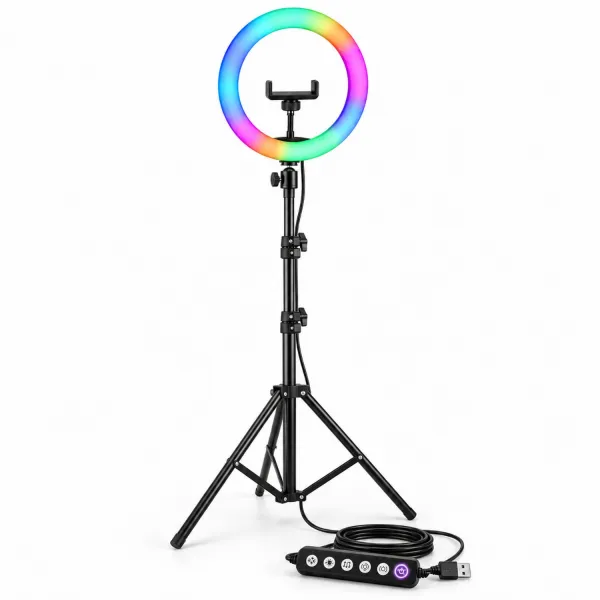
JIKRA 10 Inch RGB Ring Light with 7 Feet Stand & Phone Holder for Reels, YouTube
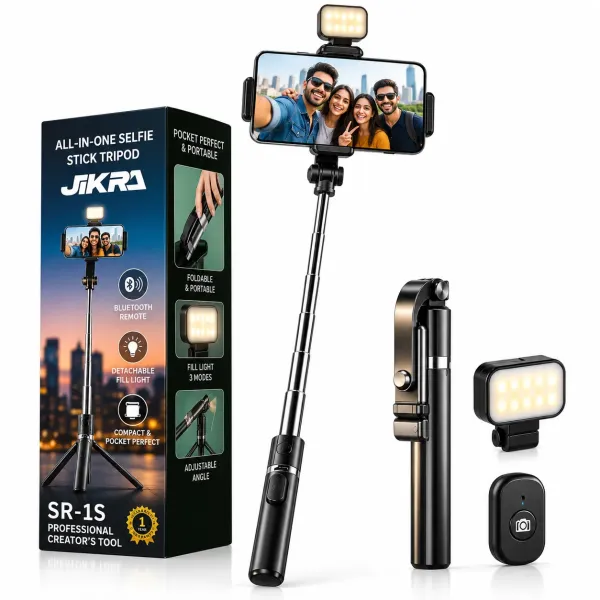
JIKRA SR-1S 3-in-1 Selfie Stick Tripod with Bluetooth Remote - Detachable Fill Light
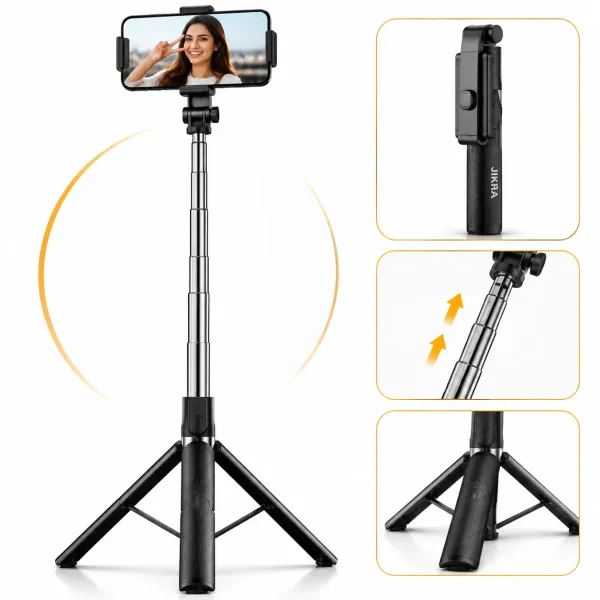
JIKRA 67 Inch Selfie Stick Tripod with Bluetooth Remote & Stable Metal Base 3-in-1 Portable Phone Holder
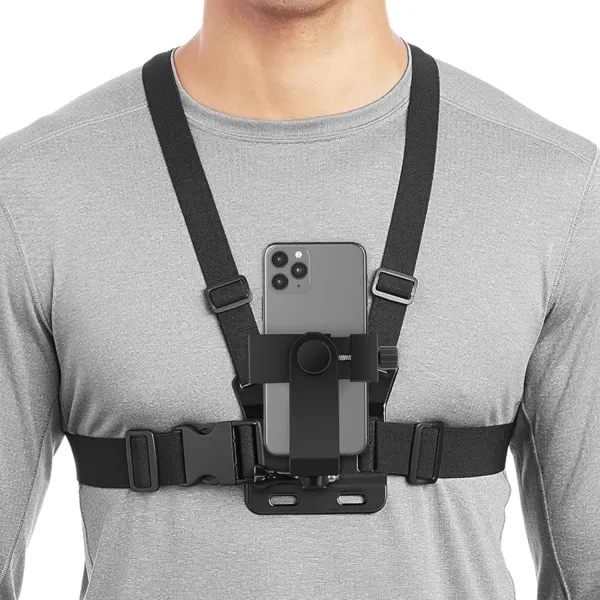
JIKRA Chest Mount for Mobile – Adjustable Chest Strap Harness with Phone Holder Clip
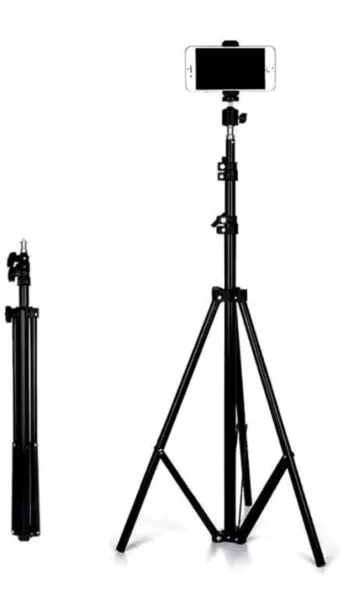
JIKRA Tripod Stand for Mobile & Video Camera – 213 cm (7 ft) Tall, Adjustable