What Is a Gimbal? Meaning, Types and Uses for Phone Video
A gimbal is a motorised handle that keeps your phone level and steadier while you move. How it works, what roll, tilt and pan mean, the 1-, 2- and 3-axis types, and what each one is used for.
In this guide
Video · 0:38
JIKRA Q08 Mini Gimbal: Handheld vs Gimbal Test and How to Switch It On
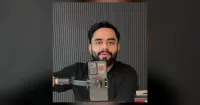
A 37-second video of the JIKRA Q08 mini gimbal, a 1-axis phone gimbal that also works as a selfie stick and a tripod. It opens with the same walk filmed twice, once with the phone held in hand and once on the Q08, side by side so you can compare the shake.
- 0:00 Handheld vs gimbal: the same walk side by side
- 0:05 The JIKRA Q08 gimbal and its stabilisation
- 0:12 Bluetooth remote for photos and videos
- 0:18 How to switch it on: press and hold the button
- 0:27 Who it is for
- 0:35 Price and where to order
By the Jikra team. JIKRA sells the Q08 gimbal and some other products linked in this guide. AI helped us draft it; the Q08 facts were checked against its box and product listing, and the photos are frames from our own Q08 reel.
Quick answer: a gimbal is a support that lets something pivot so it stays level while whatever holds it moves. A phone gimbal is a handle with a motion sensor and one to three small motors. When your hand tilts or shakes, the motors turn the phone the opposite way, so the picture stays level and smoother. A 1-axis gimbal corrects the sideways tilt; a 3-axis gimbal also smooths the phone nodding and turning.
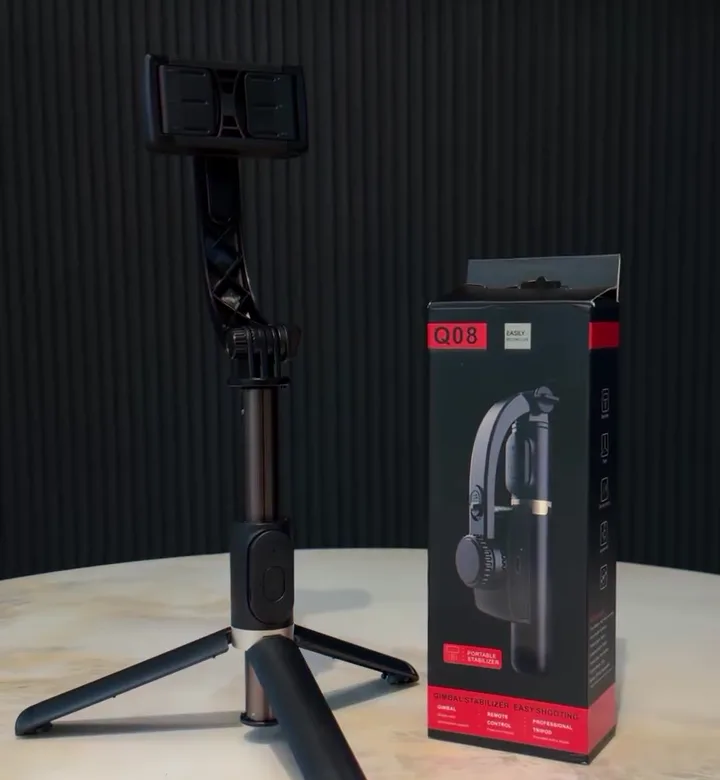
Gimbal meaning in simple words
The word is older than cameras. A gimbal is a set of pivoting rings that lets an object stay level while its base moves. Ships used gimbals for centuries to keep compasses, clocks and lamps upright as the deck rolled. Cameras, drones and phone stabilisers use the same idea, with one big difference: instead of letting gravity do the levelling, a modern gimbal uses motors to hold the camera where you want it.
Gimbal kya hai? Gimbal ek motor wala handle hai jo phone ko seedha aur stable rakhta hai, chahe aapka haath hile. Isse chalte hue ya ek haath se shoot ki gayi video kam hilti hai aur tedhi nahi dikhti.
How a phone gimbal works
Every motorised gimbal runs the same loop, many times a second:
- Sense. A small motion sensor (a gyroscope and an accelerometer) measures which way the phone is pointing and how fast it is moving.
- Decide. A controller chip compares that with where the phone should be, usually level, or following your slow turn.
- Correct. A motor turns the phone the opposite way to cancel the movement.
Three things follow from this. A gimbal needs a battery, because the motors are always working; that is the quickest way to tell a real gimbal from a selfie stick. The phone has to sit centred in the clamp, or the motor spends its strength holding up a lopsided phone instead of correcting shake. And a gimbal can only correct rotation, not the whole phone moving up and down, which is why walking still needs a soft step.
The three axes: roll, tilt and pan
An axis is one direction the phone can turn in. Each motor looks after one axis.
| Axis | What it looks like in your video | When it matters most |
|---|---|---|
| Roll | The picture leans left or right, so the horizon is tilted | Almost every handheld clip, especially one-handed and while walking |
| Tilt (pitch) | The phone nods up and down, so the frame bobs | Walking towards something, filming children or pets at a low angle |
| Pan (yaw) | The phone swings left and right in small jerks | Turning to follow someone, slow sweeping shots of a room or view |
Your body bouncing up and down as you walk is not an axis. No handheld gimbal removes it completely, at any price. Holding the gimbal close to your body and walking heel to toe does more for that bounce than an extra motor. More on this in how to stabilize phone video.
Types of gimbal
By number of axes
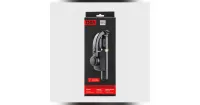
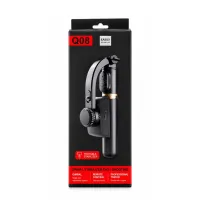
- 1-axis (single-axis) gimbal: one motor, usually for roll. Keeps the picture level and makes small hand shake less visible. Light, simple and the most affordable type. The Q08 mini gimbal is one: its box says "single-axis stabilization system".
- 2-axis gimbal: two motors, usually roll and tilt. More common on some drones and older camera rigs than on phone gimbals.
- 3-axis gimbal: three motors, for roll, tilt and pan. Smooths nodding and turning as well as tilt, so it suits running shots, fast pans and paid work. Bigger, heavier and several times the price of a 1-axis model.
Some listings say "4-axis". Ask the seller which axes have motors. Often the extra "axis" is a spring or damper, or simply the extension rod, not another motor.
By what they hold
| Type | What it holds | Typical use |
|---|---|---|
| Phone gimbal | A smartphone in a spring clamp | Reels, vlogs, travel, family events |
| Camera gimbal | A mirrorless or DSLR camera on a quick-release plate | Weddings, films, commercial shoots |
| Action-camera gimbal | A small action camera | Sports and outdoor footage |
| Built-in gimbal | Its own camera (drones and pocket gimbal cameras) | Aerial shots, compact vlogging cameras |
"Gimbal camera" searches usually mean the last group: a camera that comes with its own stabiliser. A phone gimbal is different: your phone is the camera.
By extra features
- App and tracking: some 3-axis gimbals pair with an app that follows your face as you move.
- Built-in tripod and selfie stick: many 1-axis gimbals, including the Q08, have tripod legs in the base and a stick that extends for group shots.
- Bluetooth remote: a small shutter button that takes photos from a distance. The Q08's remote is detachable and runs on a CR1632 coin cell.
What a phone gimbal is used for
- Walk-and-talk vlogs and travel clips, where the phone is in your hand and the picture keeps tilting.
- Weddings, birthdays and family functions, where you film for minutes at a time and your arm gets tired.
- Shop, home and property walk-throughs, where a level picture makes the space look right.
- Product, food and unboxing videos that move around the item.
- Video calls, live streams and table-top reels, using the built-in tripod legs.
- Group photos, using the extended stick and the remote.

Gimbal vs your phone's own stabilisation
Most phones already steady video with optical stabilisation (OIS, a lens or sensor that floats) and electronic stabilisation (EIS, software that crops and shifts each frame). They are good at small, fast jitter. They do much less about the whole picture leaning as your hand tilts, or about large movements, because they can only move a tiny part or crop a little. A gimbal moves the whole phone. That is why the two work best together: keep your phone's stabilisation on, and let the gimbal handle the tilt. Our guide on OIS vs EIS and phone video settings explains this in detail.
Do you need a gimbal?
- You film while moving or holding the phone: yes, a 1-axis gimbal is the affordable fix for the tilt and wobble.
- You run, cycle or want smooth cinematic pans: a 3-axis gimbal is the right tool.
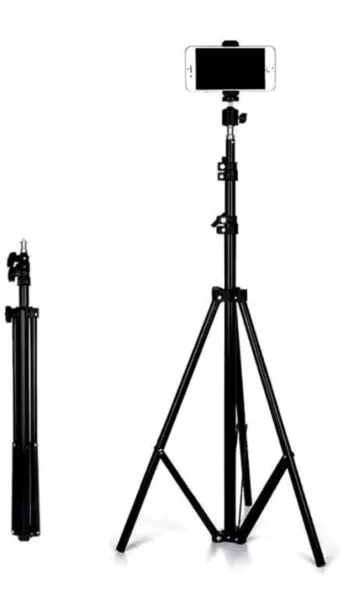
- You film from one spot (cooking, study, makeup, video calls): a tripod is cheaper and steadier. See our tripod buying guide.
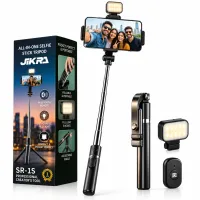
- You mostly take selfies and group photos: a selfie stick tripod with a remote, such as the SR-1S, does the job.
Still unsure? Our comparison handheld vs gimbal: is a 1-axis gimbal worth it? puts the options side by side, and mobile gimbal price in India shows what each budget gets you.
A 1-axis gimbal up close: the Q08
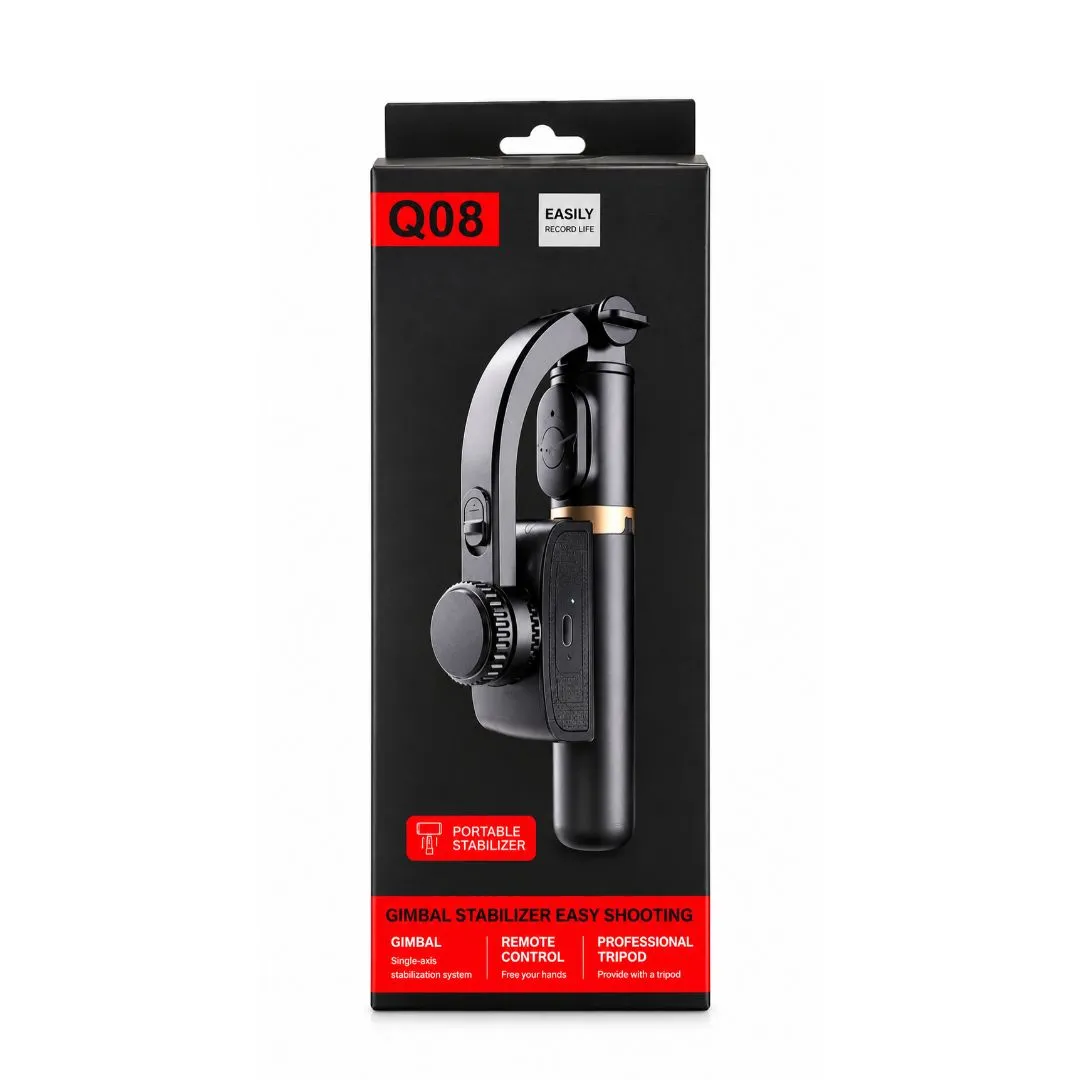
- Stabilisation: 1 axis, motorised.
- Phone fit: clamp for phones 60 to 95 mm wide, portrait or landscape.
- Battery: built-in 450 mAh, about 2 hours of use per charge, charged through the USB port on the handle.
- Size: about 19 cm folded and about 250 g; the stick extends to about 70–75 cm.
- Extras: built-in tripod legs and a detachable Bluetooth remote (range up to about 10 m).
- No app needed: you record in your phone's normal camera app.
Setup takes a couple of minutes; our step-by-step guide how to use a mobile gimbal covers it, with fixes for common problems.
Frequently asked questions
Is a gimbal the same as a stabilizer?
A gimbal is one kind of stabiliser: the motorised kind. "Stabilizer" is also used loosely for selfie sticks and grips that have no motor, so check for a battery before you buy.
Does a gimbal need charging?
Yes. The motors and sensor run on a built-in battery. The Q08 holds about 2 hours of use per charge.
Which axis matters most for phone video?
Roll. A tilted, leaning picture is the problem people notice first in handheld clips, and it is the axis a 1-axis gimbal corrects.
Can a gimbal make walking video perfectly smooth?
No. It removes tilt and softens shake, but not the up-and-down bounce of your steps. Walk softly with knees slightly bent and keep the gimbal close to your body.
Is a gimbal useful for photos?
Mostly for its extras: the tripod legs and remote make group photos and self-portraits easy. Stabilisation itself matters mainly for video.
More guides
Products in this guide
Q08 Mini Gimbal Anti-Shake Stabilizer – 1-Axis Handheld Smartphone Gimbal with Extendable Selfie Stick, Built-in Tripod & Portable Phone Holder for Smooth Videos and Vlogging
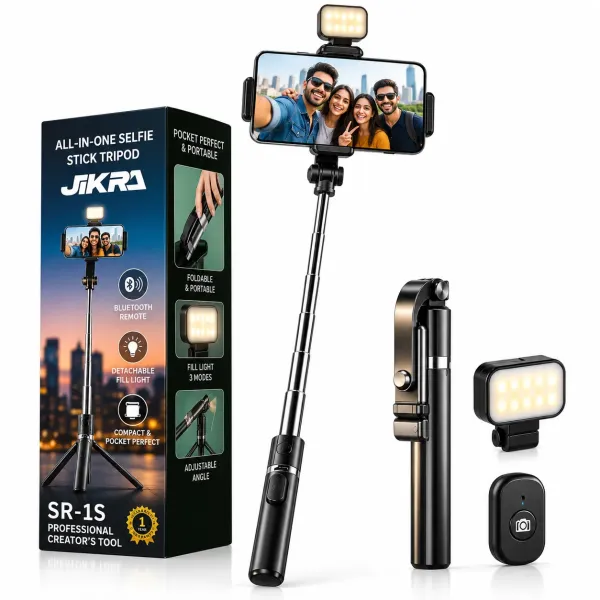
JIKRA SR-1S 3-in-1 Selfie Stick Tripod with Bluetooth Remote - Detachable Fill Light
JIKRA Tripod Stand for Mobile & Video Camera – 213 cm (7 ft) Tall, Adjustable