
How to Set Up a Phone Tripod for Overhead Recording
Film cooking, unboxing, drawing and craft videos from above with a phone, a tripod and a clamp. Two setups that work at home, and how to keep the phone safe.
In this guide
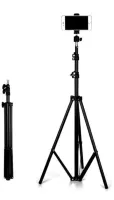
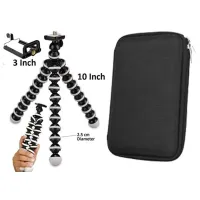
Overhead videos show what your hands are doing, which is why they work so well for cooking, unboxing, drawing, crafts and product demos. You do not need a studio for them. You need a steady phone, light that does not throw your shadow across the table, and a setup that cannot tip over. Here are two ways to do it at home.
What you need
- A tall stand such as the JIKRA 213 cm tripod stand, or a flexible gorilla tripod.
- A phone clamp with a 1/4 inch screw, if your tripod does not already hold a phone.
- A light. A ring light with a stand works well placed to one side of the table.
Setup 1: tall tripod beside the table
- Stand the tripod right next to the table and open the legs fully on a flat floor.
- Raise it above table height and fix the phone in the clamp.
- Tilt the head down until your work area fills the screen.
- Keep the phone close to the table edge.
Be realistic about this one. A normal tripod has no side arm, so the phone cannot sit directly above the middle of a table. You get a high angle looking down rather than a true top-down view. For most cooking and unboxing videos that looks fine, and it is the safest way to start.
Setup 2: gorilla tripod on a shelf or rail
The JIKRA gorilla tripod has 10 inch flexible legs that bend and can wrap around a pole. That lets you fix a phone to something above your work area, such as a sturdy rail or a shelf bracket.
- Choose something fixed that will not move when you touch the table.
- Wrap all three legs firmly around it.
- Before you add the phone, shake the tripod gently to check that it holds.
- Point the phone straight down and check the frame.
This gets you closer to a true top-down shot, but it depends entirely on what you attach it to. If the grip feels at all loose, do not use it over anything hard or hot.
Get the light right
Your head and arms are usually the problem, because a light behind you throws your shadow onto the table. Place the light in front of you or to one side instead. A ring light placed directly above can also show up as a bright circle on shiny plates and glossy packaging, so angle it slightly. Turn off yellow room bulbs if they mix badly with your main light.
Phone settings that help
- Wipe the lens before you start.
- Tap and hold on your work area to lock focus and exposure.
- Decide the shape first: vertical for reels, horizontal for YouTube.
- Turn on aeroplane mode so a call does not stop the recording.
Keep the phone safe
- Do not fix a phone directly above a hot stove, because steam and heat can damage it.
- Keep cables out of walkways, so nobody trips over them and pulls the stand down.
- Check that the clamp is holding your phone before you let go of it.
- Children and pets should stay clear of a tall stand.
Frequently asked questions
Can a normal tripod shoot straight down?
Only at an angle. Without a side arm the phone sits at the edge of the table, so you get a high angle view rather than a perfect top-down shot.
What height do I need?
It depends on your table and how much of it you want in the frame. Raise the phone until your whole work area fits, and leave some space around the edges.
Can I use a selfie stick tripod?
A selfie stick tripod is lighter than a tall stand, so it suits low angles and small setups better than a high overhead shot.
Related guides
Products in this guide
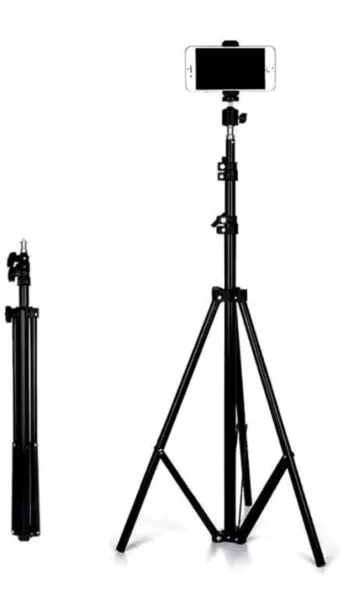
JIKRA Tripod Stand for Mobile & Video Camera – 213 cm (7 ft) Tall, Adjustable
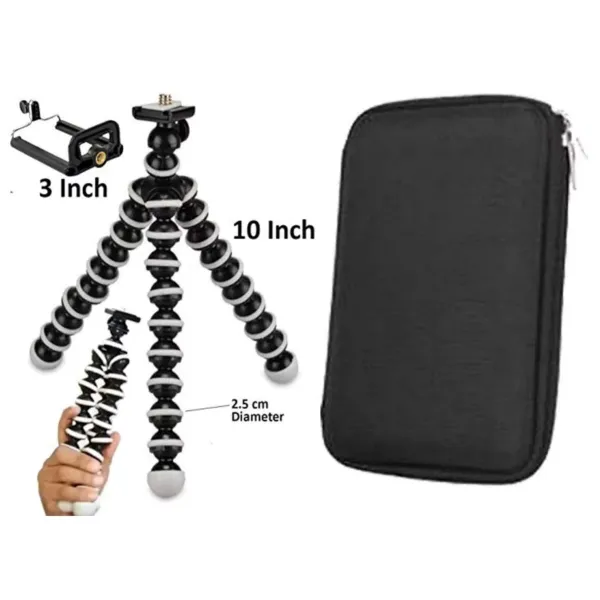
JIKRA Gorilla Tripod for Mobile & DSLR Camera – 10 inch Flexible Mini Tripod with Organiser Bag
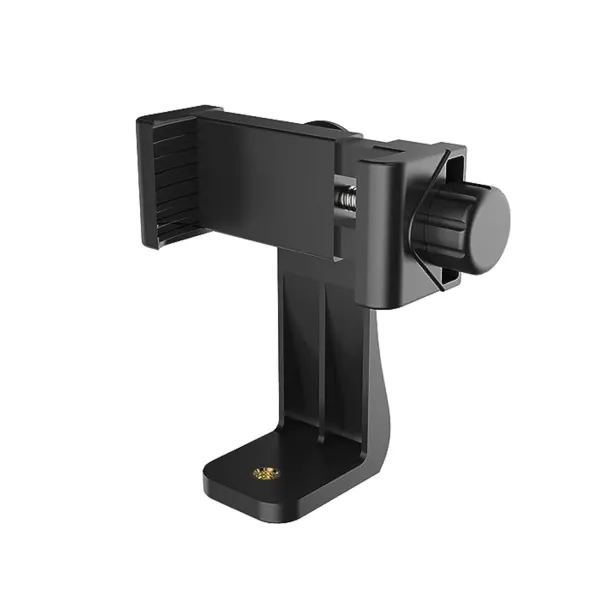
JIKRA Tripod Mobile Holder – 360° Universal Phone Clamp Mount with 1/4" Screw
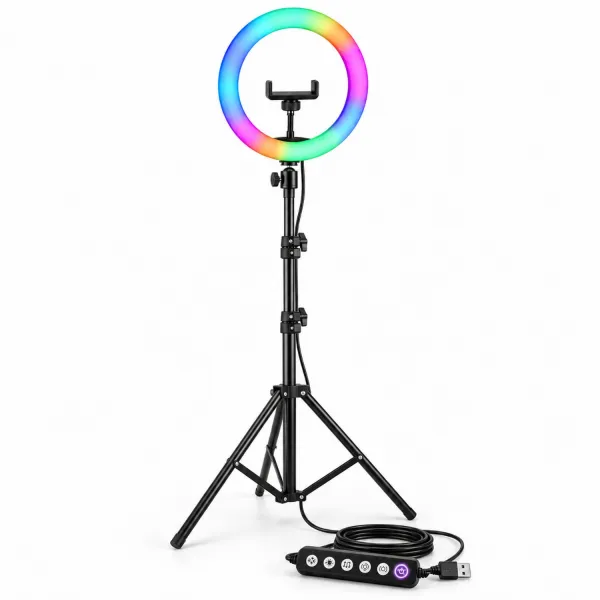
JIKRA 10 Inch RGB Ring Light with 7 Feet Stand & Phone Holder for Reels, YouTube
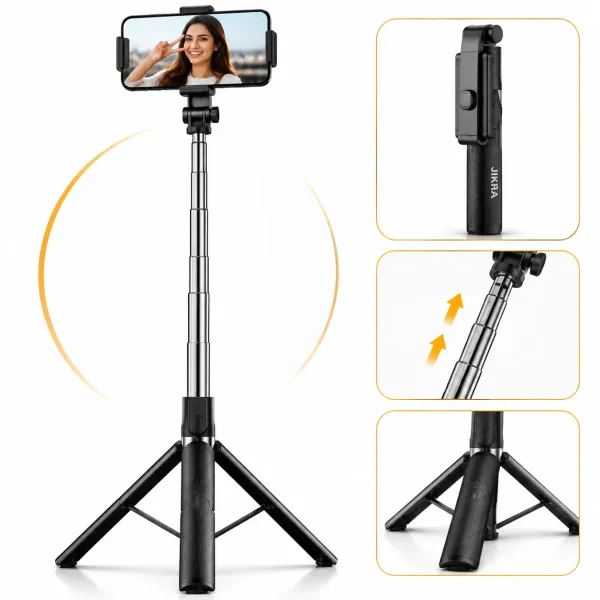
JIKRA 67 Inch Selfie Stick Tripod with Bluetooth Remote & Stable Metal Base 3-in-1 Portable Phone Holder
More Articles
View allNo other articles yet.