How to Use a Ring Light with Your Phone: Setup, Height and Angle
Set up a ring light with your phone in five minutes: stand, height, distance, angle, phone camera settings, glasses glare and the mistakes to avoid.
In this guide
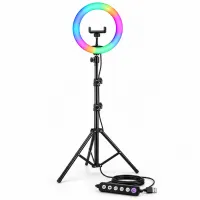
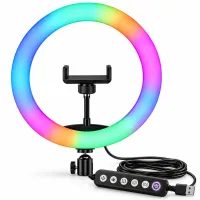
A ring light only looks good when it is set up right. Too close and your face looks washed out; too low and it throws shadows up your face; mixed with yellow room bulbs and your skin turns two colours. Here is how to set up a ring light with your phone in about five minutes, for selfies, reels, video calls and makeup videos.
Step 1: Set up the stand, or find a steady spot
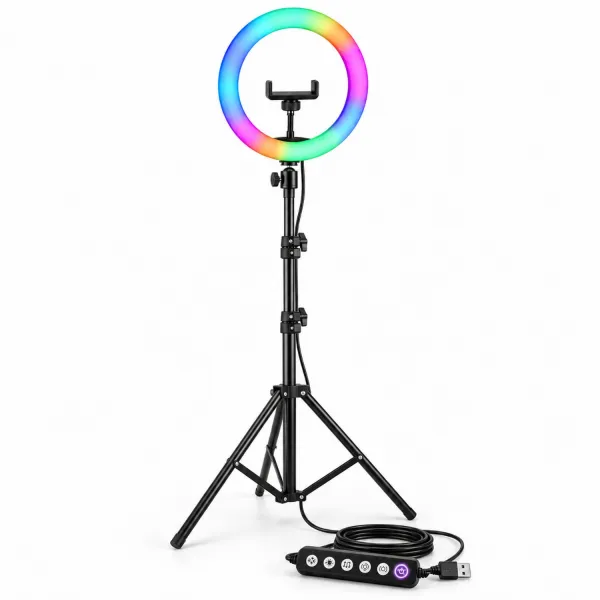
- Open the tripod legs fully and stand it on a flat floor. Wide legs keep a tall stand steady.
- Pull the stand up section by section and tighten each locking collar as you go. Stop at the height you need rather than extending it all the way.
- Fix the ring light on top with its mount and tighten it so the ring does not droop.
No stand? Fix the ring on a tripod or light stand you already own with its mounting connector, or set it on a steady base at face height on your desk. More on that in ring light with or without a stand.
Step 2: Mount your phone and connect power
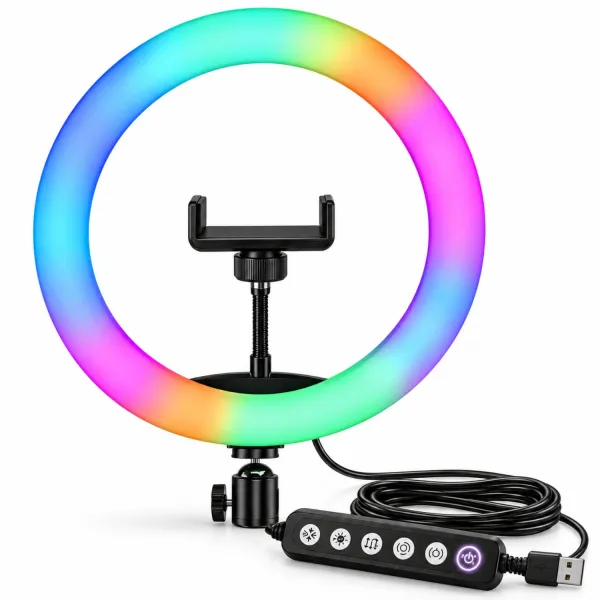
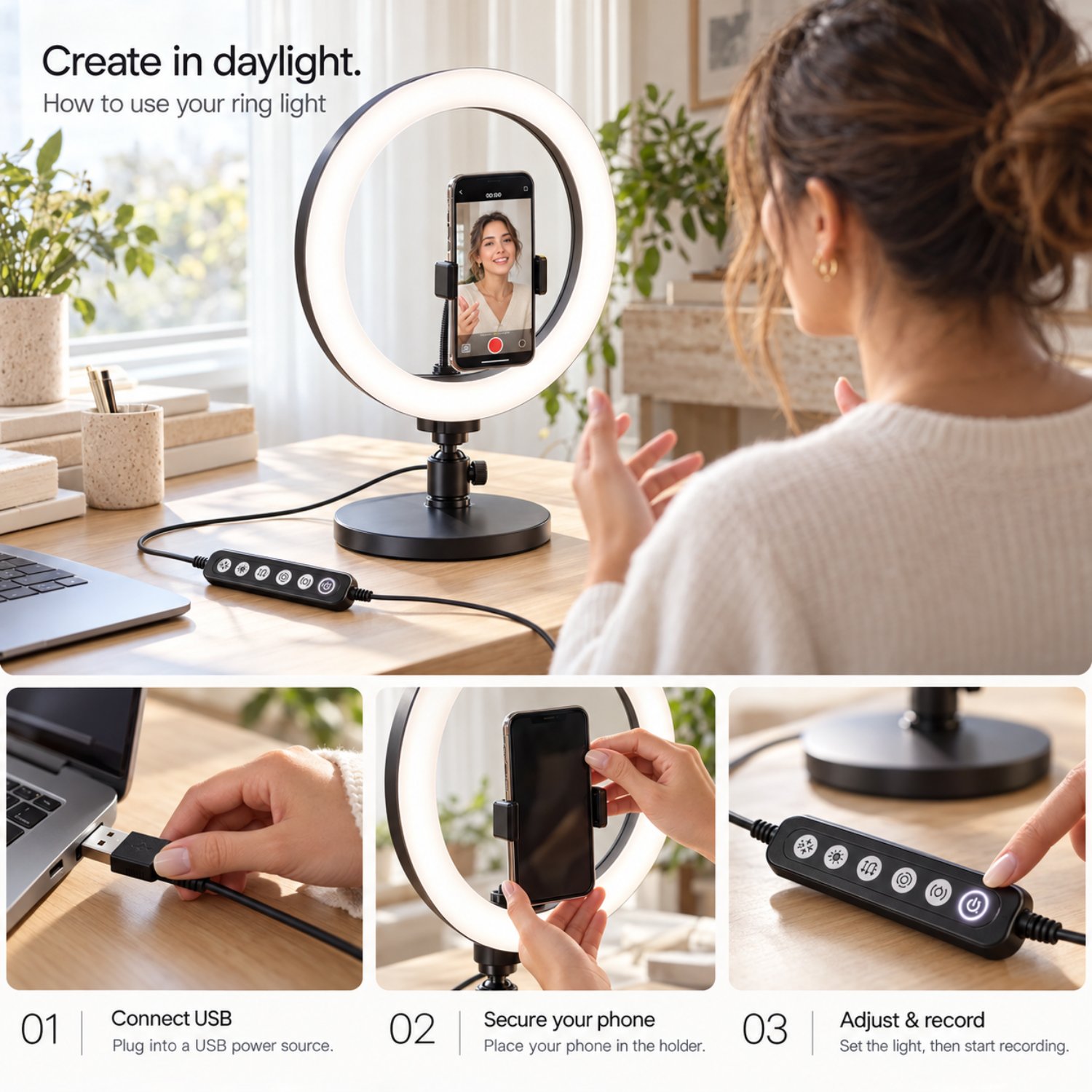
Clip your phone into the holder in the centre of the ring so the camera looks straight through the light. Then plug the USB cable into a power bank, a laptop or a mobile charger adapter. If the light looks dim or flickers on a laptop port, use a wall adapter or a power bank instead.
Step 3: Set the height, distance and angle
- Height: put the centre of the ring at eye level or a little above. Light from below looks unflattering; light from slightly above looks natural.
- Distance: with a 10 inch ring, start one to two feet (about 30 to 60 cm) from your face for selfies and talking videos. Move it back for head-and-shoulders or half-body shots.
- Angle: straight on gives the most even light, which is ideal for makeup. Moving the ring 30 to 45 degrees to one side adds gentle shadows and more shape to your face.
Light fades quickly with distance: move the light twice as far away and you get roughly a quarter of the brightness. If your face looks dull, move the light closer before you turn the brightness up.
Step 4: Choose the mode and brightness
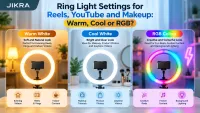
Use the controller to pick warm white, cool white or a colour. Match the room: warm white if yellow bulbs are on, cool white in daylight or with white tube lights. Start at medium brightness and raise it until your face is clear without shiny patches. For settings for reels, YouTube, makeup and product photos, see ring light settings.
Step 5: Set up your phone camera
- Wipe the camera lens. Fingerprints make even good light look hazy.
- Tap your face on the screen to focus, then lower the exposure slider slightly if your skin looks too bright. On iPhone, press and hold to lock focus and exposure (AE/AF Lock); most Android camera apps have a similar lock.
- Try without heavy beauty filters first. Good light often looks better than a filter.
- For important videos, record a 10 second test and watch it before the full take.
Using a ring light with glasses
The ring reflects in your lenses when it sits right in front of your eyes. Raise the light above eye level and tilt it down, or move it slightly to one side, so the reflection misses the camera. Lowering the brightness and tipping your glasses down a little also helps.
Using a ring light with a laptop for video calls
Place the ring behind your laptop screen at eye level, with the laptop camera looking through or just below the ring. Use low brightness and a white mode that matches your room. The laptop can power the light over USB.
Common mistakes
- Too close: a flat, over-bright face with shiny patches. Move the light back or dim it.
- Too low: shadows going up your face. Raise the light to eye level or above.
- Mixed light: warm room bulbs plus a cool ring light give patchy colour. Switch the room lights off or match the mode.
- Window behind you: your face turns dark against the bright window. Face the window, or close the curtain and use the ring light.
Ring light kaise set karen? (Hindi mein)
- Stand ke teenon pair poore kholkar seedhi zameen par rakhein.
- Stand ko apni aankhon ki height tak uthayein aur har collar ko tight karein.
- Ring light ko upar mount par lagayein aur beech wale holder mein phone fit karein.
- USB cable ko power bank, laptop ya mobile charger adapter se jodein.
- Cable par lage controller se light on karein, phir warm, cool ya RGB mode aur brightness chunein. Light ko chehre se lagbhag 1 se 2 feet door rakhein.
Frequently asked questions
How far should a ring light be from my face?
About one to two feet (30 to 60 cm) for a 10 inch ring when you shoot selfies or talking videos. Move it further back for wider shots, and closer if your face looks dull.
Should I use the front or back camera?
The front camera lets you see yourself through the ring, which is easier for reels and calls. The back camera usually records better quality, so use it for important videos once your framing is set.
Can I use a ring light without a stand?
Yes. Mount it on a tripod you already own, or place it on a steady base at face height on your desk.
How do I power a USB ring light?
Plug it into a laptop, a power bank or a mobile charger adapter. A wall adapter or power bank usually gives steadier brightness than a laptop port.
Related guides
- How to choose the best ring light for your phone
- Ring light sizes explained
- Ring light settings for reels, YouTube and makeup
Looking for a ring light? See the 10 inch RGB ring light with 7 feet stand or the 10 inch RGB ring light without a stand.