
How to Use a Gorilla Tripod with Your Phone: 6 Easy Setups
Six ways to use a flexible gorilla tripod with your phone, how to attach the phone so it does not slip, and when a tall tripod stand or selfie stick tripod is the better choice.
In this guide
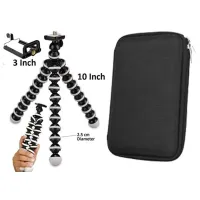
To use a gorilla tripod with your phone, screw the phone clamp onto the mount on top, fit your phone in the clamp, then bend the three legs to stand on a table or rough ground, or wrap them tightly around a pole or railing. Before you let go of the phone, give the tripod a gentle shake to check that the grip holds.
The bendable legs are what make a gorilla tripod useful: it can stand where a normal tripod cannot. Below are six setups that work with a phone, how to fix the phone safely, and when a tall tripod stand or a selfie stick tripod is the better choice.
What you need
- A flexible gorilla tripod for phone. The JIKRA one has 10 inch (25.4 cm) bendable legs, a 3 inch phone clamp that screws onto the top, a screw mount for a camera, and a zip organiser bag for cables and small accessories.
- Your phone, ideally without a bulky case.
- A way to start recording without touching the phone: the self-timer in your camera app works with any tripod.
How to attach your phone to a gorilla tripod
- Screw the phone clamp onto the mount at the top of the tripod until it sits firm. Do not force it past the point where it stops.
- Decide on portrait for reels or landscape for YouTube before you fit the phone.
- Pull the clamp open and place the phone in the middle, so its weight sits evenly over the mount.
- Let the clamp close on the sides of the phone. Keep the grips away from the power and volume buttons.
- Hold the phone lightly and shake the tripod gently. If anything moves, tighten the clamp or re-seat the phone and try again.
Using a different tripod? If it has a 1/4 inch screw on top, a phone clamp such as this 360° tripod mobile holder screws onto it.
6 ways to use a gorilla tripod with your phone
1. On a table or desk
Spread the three legs wide and set the tripod down. Wide legs keep the phone's weight between them, so it is less likely to tip. Bend the legs a little to tilt the phone up or down. For video calls and online classes, stand the tripod on a few books to bring the camera closer to eye level.
2. On rough or uneven ground
On rocks, steps, grass or sand, bend each leg so its foot sits flat on the surface. Press the legs down onto the ground rather than bending them flat first: the feet then grip the surface instead of resting on one point. Check the phone is level on the screen before you start recording.
3. Wrapped around a pole, railing or branch
- Choose something fixed and thick enough to wrap around, such as a railing, a lamp post or a strong branch. Never use something that moves.
- Wrap the legs tightly around it. Where two legs touch each other, the grip gets firmer.
- Keep the tripod head a little away from the pole, so you can still aim the phone.
- Shake it gently before you fit the phone, then again after.
If the grip feels loose at all, do not use it above water, a road or a hard floor.
4. In the car
Wrap the legs around a headrest post to film the road ahead or the people in the back seat. Fix it only while the car is parked, and never where it blocks the driver's view or covers an airbag. If you film while moving, let a passenger set it up and adjust it.
5. As a vlogging grip
Bend the three legs together into one handle and hold it like a short stick, with the phone facing you. That gives you a firmer grip than holding the phone alone, and when you stop you can open the legs and stand it on a table. For smooth walking shots, a mini gimbal does a better job; see how to stabilize phone video.
6. Low angles and overhead shots
Set the tripod on the floor for low shots of pets, children's play or products. For cooking, drawing and unboxing videos shot from above, the gorilla tripod can grip a sturdy rail or shelf bracket over your work area: see how to set up a phone tripod for overhead recording.
Using it with a camera
The JIKRA gorilla tripod has a screw mount on top for a DSLR or other camera: leave out the phone clamp and screw the camera on directly. The flexible legs hold a phone or a light camera best. With a heavy camera and big lens, use a full-size tripod.
Gorilla tripod, tall tripod stand or selfie stick tripod?
A gorilla tripod is the right tool for small spaces and odd places. For other shots, pick a different support:
| Support | Height | Where it stands | Use it for |
| Gorilla tripod | 10 inch (25.4 cm) | Tables, rough ground, poles, railings | Video calls, travel, odd angles, low shots |
| Tall tripod stand | Up to 213 cm (7 ft) | Flat floor | Full-body reels, standing videos, group shots |
| 67 inch selfie stick tripod | Up to 67 inch (1717 mm) | Hand-held, or on its own base | Group selfies, travel, hands-free video with a Bluetooth remote |
| SR-1S selfie stick tripod | About 67 cm | Hand-held, or on a table | Travel selfies in low light, with a detachable fill light and remote |
For a full comparison of tripod types, see best tripod for mobile and camera. Browse all ring lights and tripods.
Care and safety
- Bend the legs gently. Shape them by pressing them onto the object, not by forcing the joints.
- Try each new grip low down, over a bed or a soft surface, before you trust it with your phone up high.
- Keep the phone away from stove heat and steam.
- After outdoor use, wipe sand and dust off the joints with a dry cloth.
- Keep data cables, earphones and pen drives in the zip organiser bag so they do not tangle with the legs.
FAQs
How do I use a gorilla tripod with my phone?
Screw the phone clamp onto the top, fit your phone in the clamp, then bend the legs to stand the tripod on a table or rough ground, or wrap them tightly around a pole. Shake it gently to check the grip before you let go.
How do I attach my phone to a tripod?
Use a phone clamp. The JIKRA gorilla tripod comes with a 3 inch clamp that screws onto its top. For a tripod with a 1/4 inch screw on top, a phone clamp such as our 360° tripod mobile holder screws onto it.
Can a gorilla tripod hold a DSLR camera?
The JIKRA gorilla tripod has a screw mount for a camera, so it can hold a light DSLR. With a heavy camera and big lens, use a full-size tripod.
Can I wrap a gorilla tripod around a pole?
Yes. Wrap the legs tightly around something fixed, such as a railing or post, and shake it gently to check it holds before you let go of the phone.
Is a gorilla tripod good for vlogging?
Yes, for travel and sit-down vlogs: fold the legs into a handle while you walk, then stand it on a table to talk. For smooth walking shots, a gimbal is steadier.
Can I use a gorilla tripod in the car?
Yes, wrapped around a headrest post, but fix it only while parked and never where it blocks the driver's view or an airbag.
Gorilla tripod or selfie stick tripod: which is better for travel?
A selfie stick tripod gives you height and a Bluetooth remote for group shots. A gorilla tripod is smaller and can grip railings and rocks. Many travellers carry both.
Is an octopus tripod the same as a gorilla tripod?
Shoppers use gorilla tripod, octopus tripod, spider tripod and flexible tripod for the same kind of thing: a small tripod with bendable legs.
How do I take a photo without touching the phone?
Use the self-timer in your camera app. Tripods with a Bluetooth remote, such as our selfie stick tripods, let you take the photo from a distance.
Products in this guide
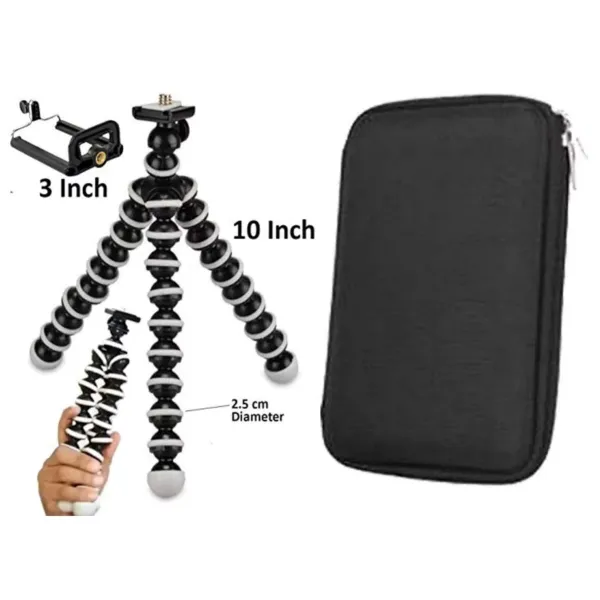
JIKRA Gorilla Tripod for Mobile & DSLR Camera – 10 inch Flexible Mini Tripod with Organiser Bag
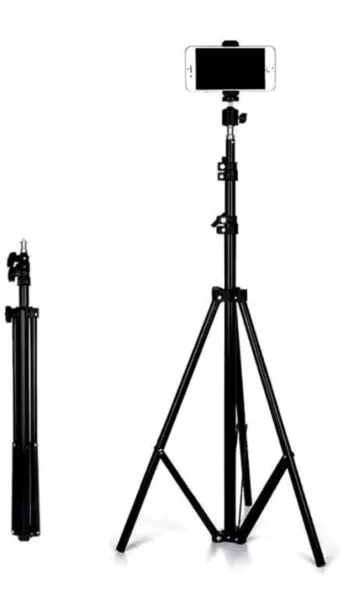
JIKRA Tripod Stand for Mobile & Video Camera – 213 cm (7 ft) Tall, Adjustable
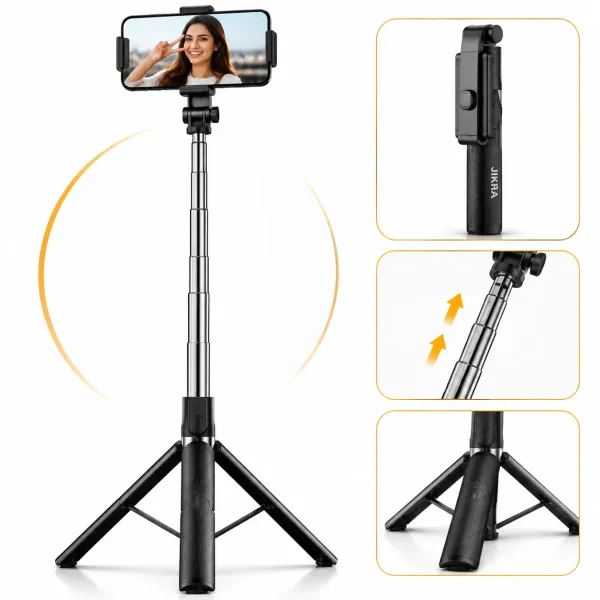
JIKRA 67 Inch Selfie Stick Tripod with Bluetooth Remote & Stable Metal Base 3-in-1 Portable Phone Holder
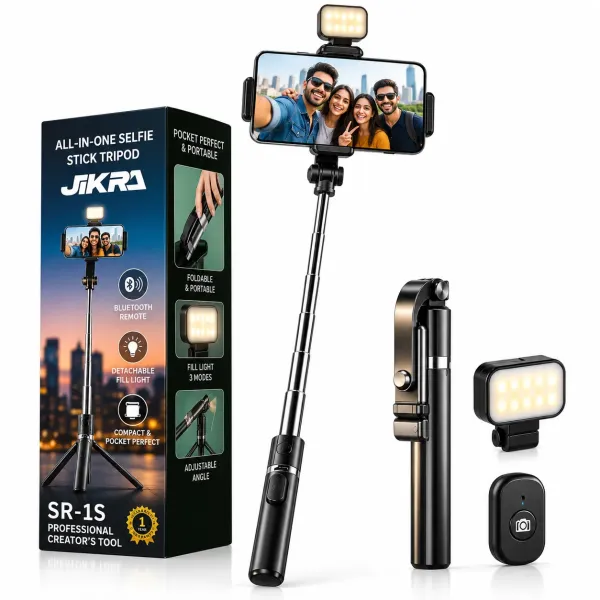
JIKRA SR-1S 3-in-1 Selfie Stick Tripod with Bluetooth Remote - Detachable Fill Light
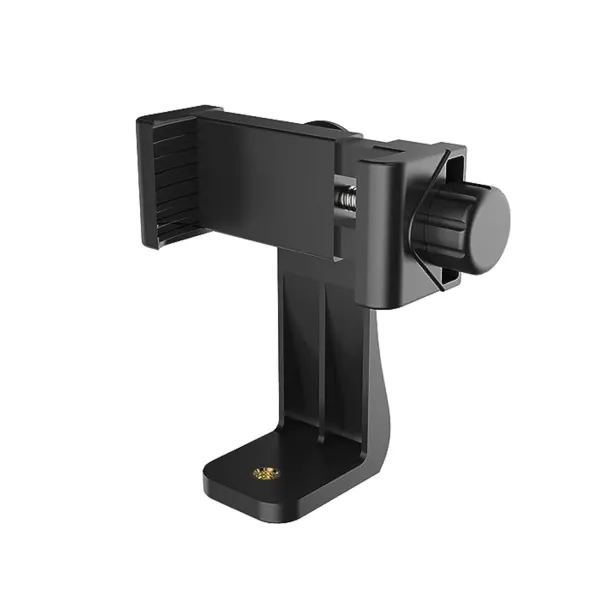
JIKRA Tripod Mobile Holder – 360° Universal Phone Clamp Mount with 1/4" Screw
More Articles
View all
How to Set Up a Mini Tripod for Mobile: Desk, Pole, Outdoor and Overhead Shots
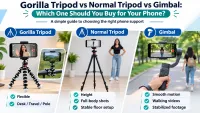
Gorilla Tripod vs Normal Tripod vs Gimbal: Which One Should You Buy for Your Phone?
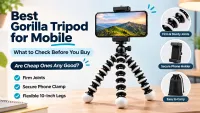
Best Gorilla Tripod for Mobile: What to Check Before You Buy (and Are Cheap Ones Any Good?)