How to Choose the Best Type C 2 in 1 Cable for Fast Charging
Discover how to choose the best Type C 2 in 1 cable for fast charging and reliable data transfer. Learn about compatibility, charging speed, durability, and essential features for everyday use.
When it comes to powering up your devices all day long, it's crucial to select the right charging cable. With a good cable, charging at home, in the office or on the go becomes much easier. There are a number of cable designs to choose from, so it pays to know what you're looking for before you buy. For those who wish to have a versatile charging solution for compatible devices, a type c 2 in 1 cable might be a practical choice.
Understand What a 2-in-1 Charging Cable Offers
A 2 in 1 charging cable can be a cable with two connections, or two charging functions; depending on the design. This can minimize the need to have a lot of cables with various compatible devices.
For users who charge their smartphones, tablets, wireless accessories, etc., on a frequent basis a 2 in 1 USB cable can be helpful. The supported connections, however, vary per product and are always necessary to check before purchase of the product, as a result of the connector types.
Consider these benefits:
- Convenience: Some cable can be plugged with more than one type of connection.
- Portability: A small size is beneficial for travelling and commuting.
- Fewer distractions: It can help to tidy up your workspace, purse or bedroom, etc.
- Every day usage: It can be used at home, work and travel.
The design of the cable will be of great importance when making a selection of the right cable for your charging needs.
Check Charging Speed and Power Compatibility
When choosing a cable it is important to consider the charging speed. But a cable isn't sufficient to ensure rapid charging. Charging adapter, connected device, cable specifications and protocol used for charging all affect performance.
Make sure the cable can deliver the power that your smartphone needs or other device. If you are using the fast charging adapter, be sure that the cable is compatible with the needed charging standard.
Keep in mind the following tips:
- Look at the maximum rated power.
- Use a compatible charging adapter.
- Check if the device is compatible with the specified charging method.
- Don't assume that all cables with Type-C will charge at the same rate.
A good cable should be performant and be able to provide the function of your device.
Choose the Right Type C Connector
The connector allows the cable to securely fit your device and charging adapter. Some smartphones and electronic accessories need other types of USB connections, while many of the modern smartphones are equipped with USB Type-C.
Typically, the type c connector is designed to fit into a matching type c USB port. If you need to use a cable, first determine where you can install it on both the device and the power source.
Review the following information:
- If you have a USB-C charging port.
- If it is a USB-C adapter or another adapter.
- Whether there are any “more” connectors on the cable.
- If the cable is capable of charging, transferring data, or doing both.
This information can keep you from compatibility issues and ensure you pick the right cable for your everyday use.
Look for a Durable Cable Design
A charging cable is often bent, unplugged, stuffed in bags and transferred from one location to another. Therefore, long-lasting models are worth looking at.
Check for a heavy-duty, well-finished outer jacket, connectors, and reinforced ends on the cable. These are all features that will contribute to its ability to endure regular use, though actual durability will depend on the materials and build.
The reliable cable should also be easy to store and handle. An adaptable plan may be helpful for movement, and a proper size will enable you to charge your device conveniently without straining the connector.
Here are some tips to extend the lifespan of your cable:
- Avoid pulling it out by the wire.
- Avoid sharp bending around the connector.
- Do not come in contact with liquids or too much heat.
- Store carefully when not in use.
- Replace if damaged.
Adopting good handling practices can contribute to the reliability of charging over time.
Understand the Type C Cable Connector
The cable used for connecting to your device should be strong enough and appropriate for frequent use. A type c cable connector must be snug in the appropriate port with no need for excessive force.
When comparing cables, look at the connectors and overall quality of construction. If not constructed properly, connectors can loosen or wear out with use.
It is also to be noted that connector shape isn't necessarily indicative of charging speed or data transfer rates. Two cables can have the same connectors, but have different power ratings and data speeds.
If you need to transfer files and/or charge the device, make sure you have the right cable for the job.
Consider the USB Type-C Connector and Data Transfer
There are also some charging cables that can transfer data to and from compatible devices that are connected to a computer, laptop, or other device. But not all cables are capable of data transfer, and some can transfer data at very different speeds.
Usb type c connector is compatible with many modern electronic devices, but their actual capabilities depend on the specifications of the cable.
Before you purchase the cable, ask yourself if you will use it for:
- Charging a mobile phone or tablet.
- Moving photos, video and documents.
- Connecting compatible accessories.
- The use of a laptop/computer device.
Charging primarily – power compatibility, build quality. If moving files is a frequent task, check on the data transfer speed, too.
Compare Length, Portability, and Value
Convenience is related to the length of the cable. Depending on the situation, a shorter cable might be more convenient to carry in a pocket or small bag or a longer cable might be more convenient when charging by a desk or bed.
Consider primary use of your cable. The size of the option might be appropriate for commuting and traveling or for home or office.
Another factor to take into account is price, but the lowest-priced cable isn't necessarily the best. Check compatibility, available power, durability, length and warranty information.
One that is a good match with the cable may provide greater value in everyday use than a cheaper cable.
Overall Summary
Choosing the right charging accessory becomes easier when you understand connector compatibility, charging speed, durability, and data-transfer requirements. A type c 2 in 1 cable can be a convenient option for people who want a versatile cable for compatible devices.
Before purchasing, check the product specifications, supported charging power, connector types, and cable construction. By comparing these features carefully, you can find a suitable cable for everyday charging at home, in the office, or while travelling.
Recommended Products
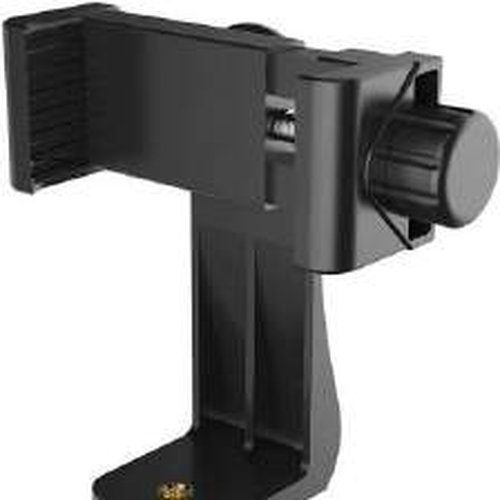
360° Universal Phone Holder Mount, Adjustable Clamp with 1/4" Screw, Compatible with Smartphones & Tripods, Black, Ideal for Photography, Video

Goggle Mask Anti Scratch UV Protective Face & Eyewear Windproof Dirt Shield
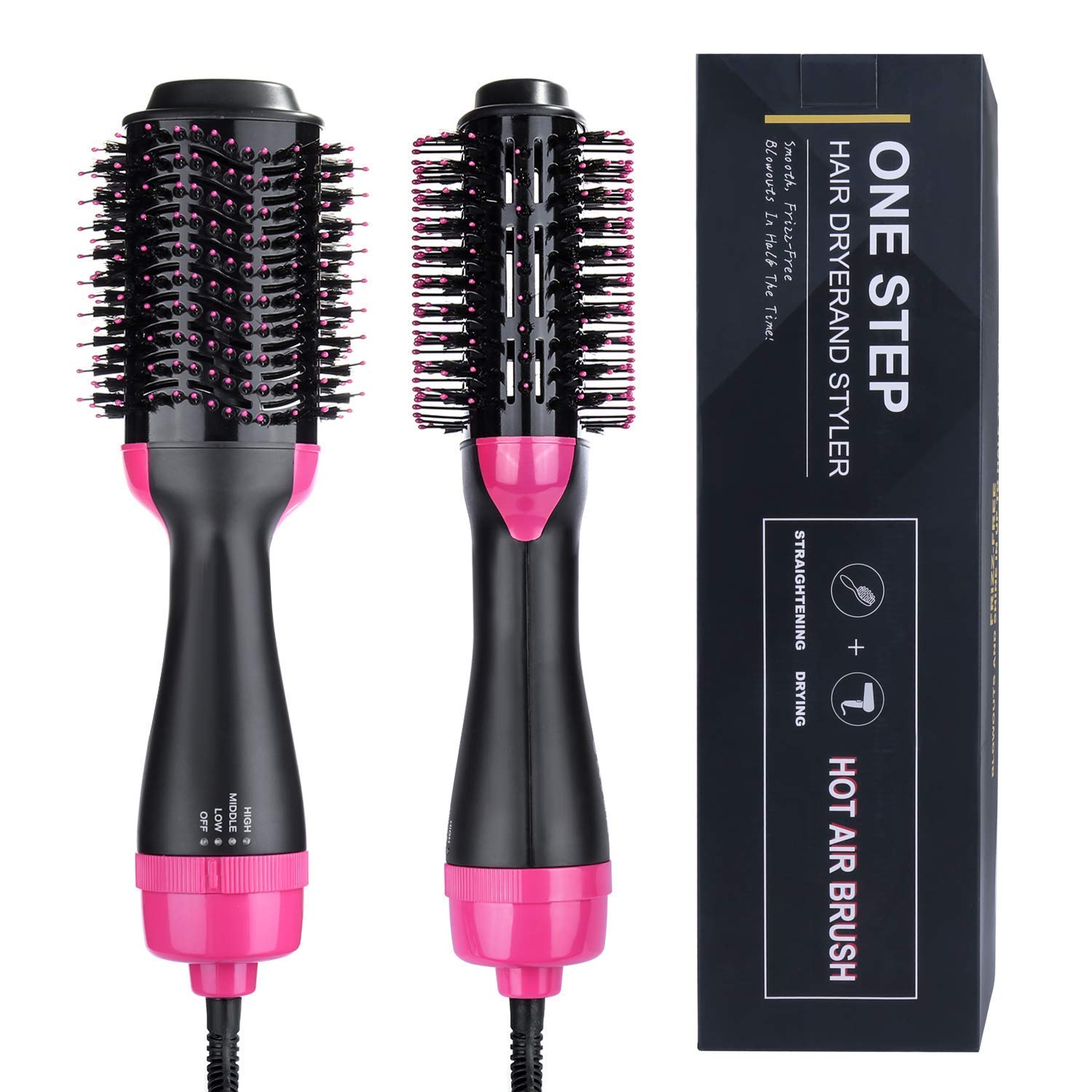
Electric Hair Dryer & Straightener
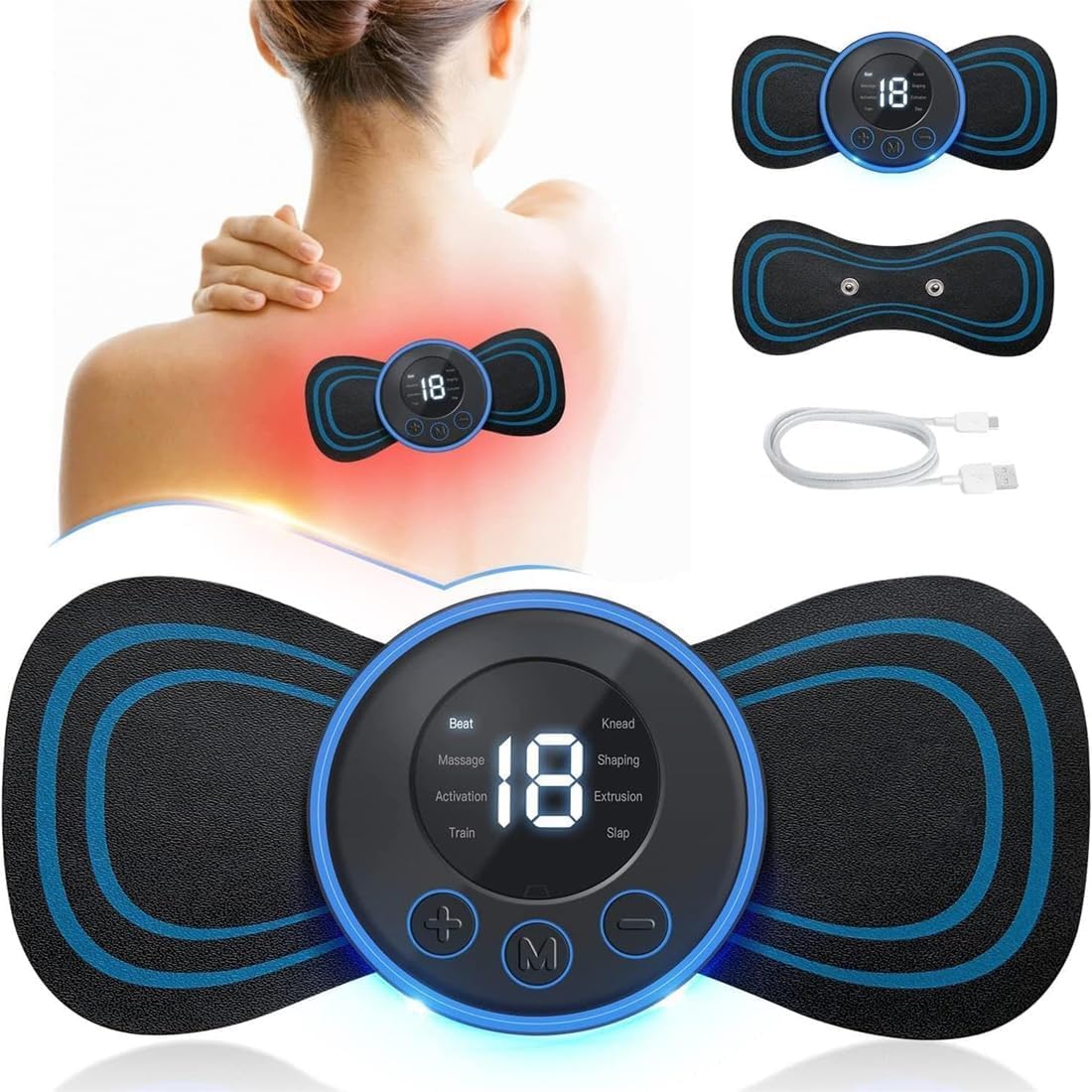
Multi-Function Body Massage Machine